Your tasks in orbit. Always within reach.
Manage tasks, collaborate on boards, chat with AI, and keep your team aligned — all from one beautifully simple app.


Features
Built for the way you work
Everything you need to stay organized
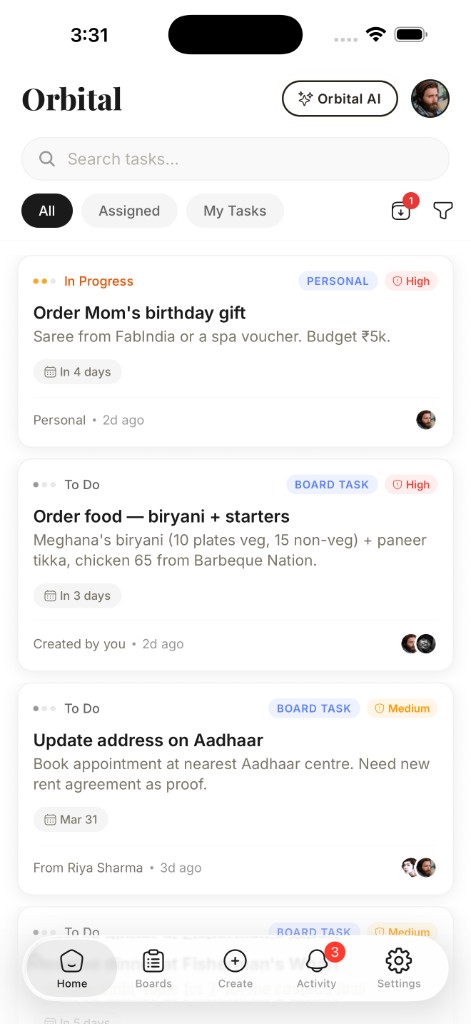
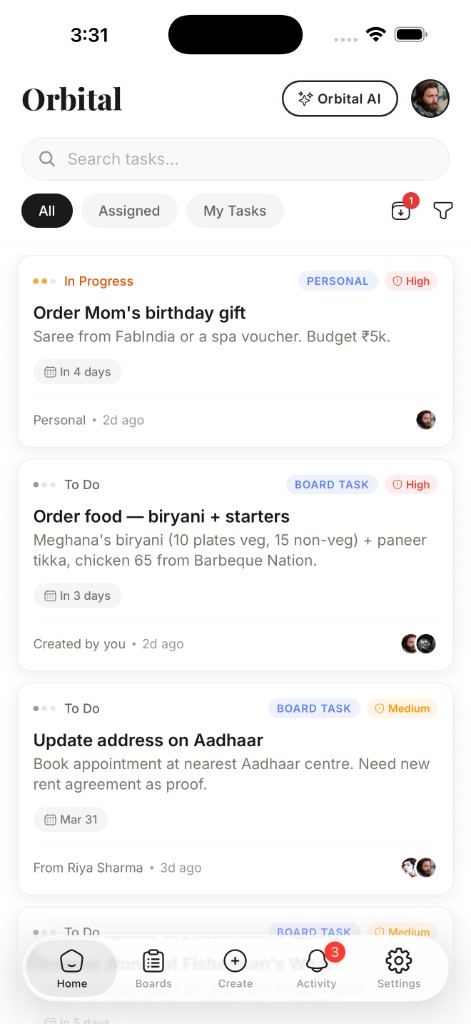
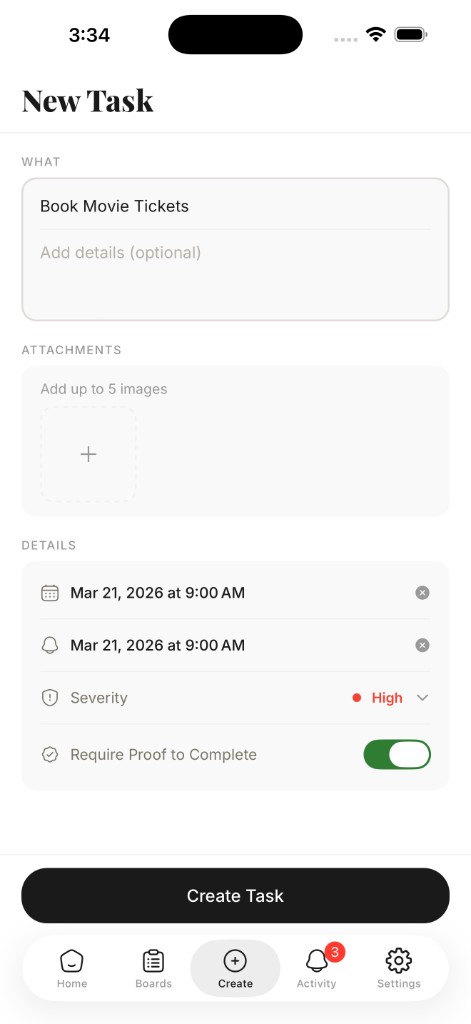
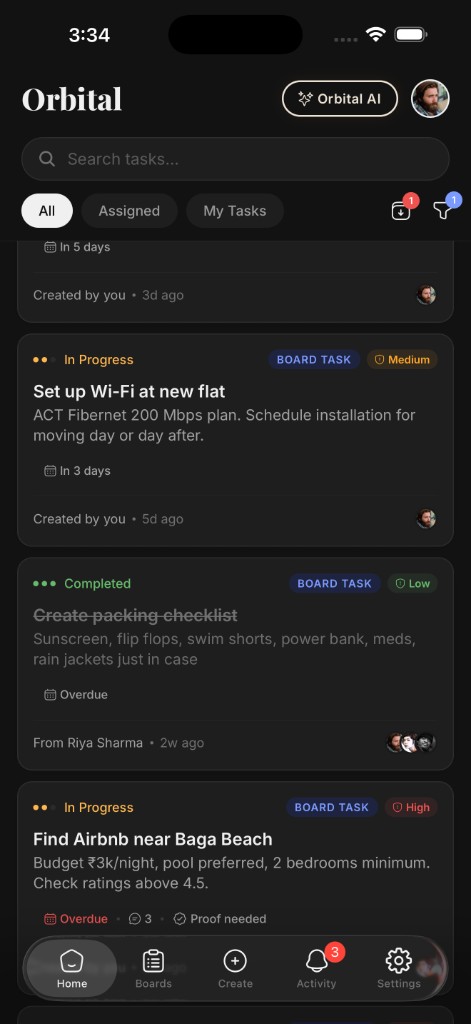
Create tasks with priorities, deadlines, and severity levels from low to critical. Attach images, require proof-of-completion, and archive tasks for yourself without affecting your team. Advanced filters and search help you find anything in seconds.
Work together, your way
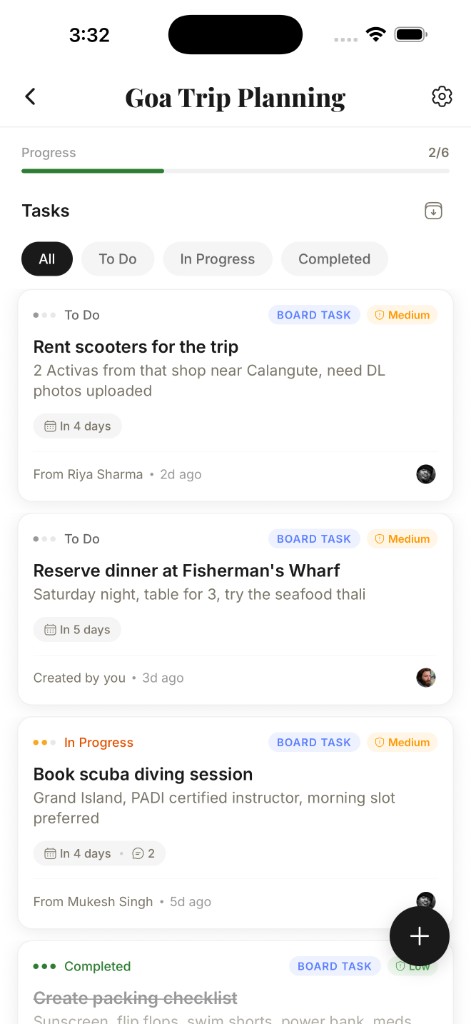
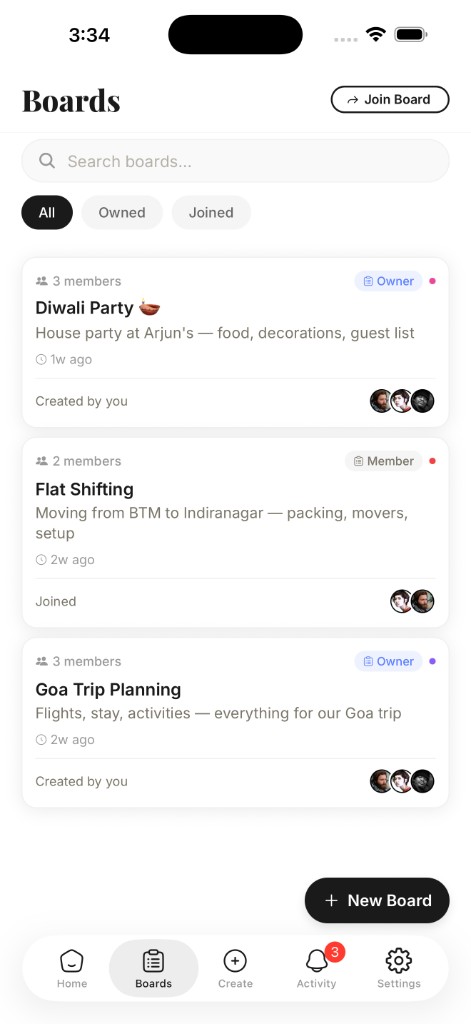
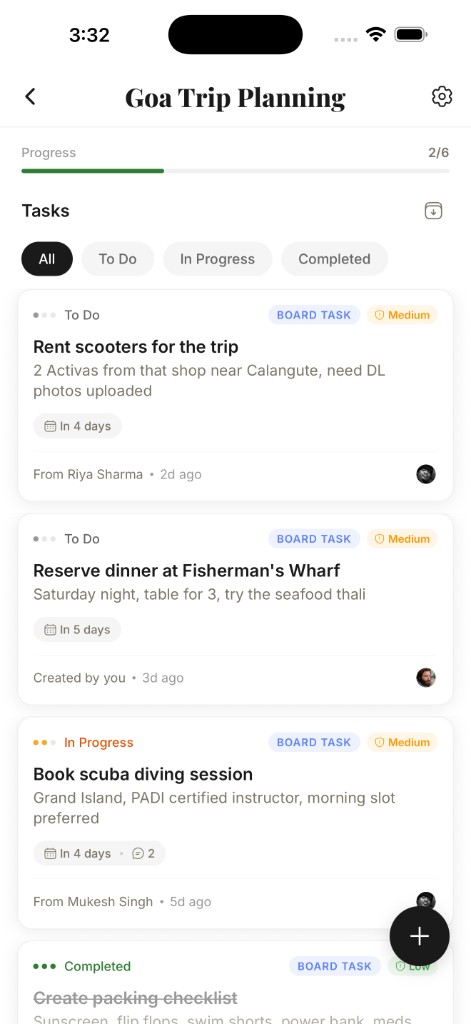
Create shared boards and invite teammates with a simple code. Control exactly who can read, create, update, or delete tasks with granular per-member permissions. Approve or deny access requests and manage your team from one place.
Your intelligent task assistant
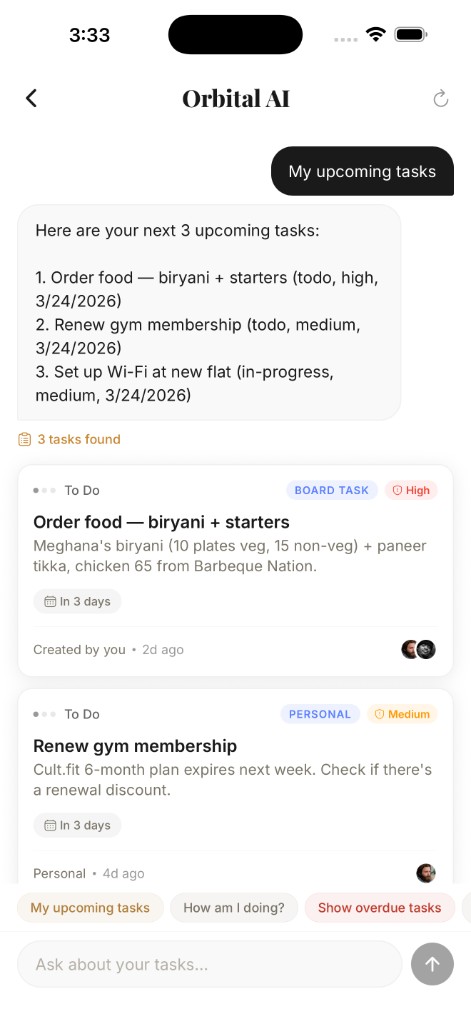
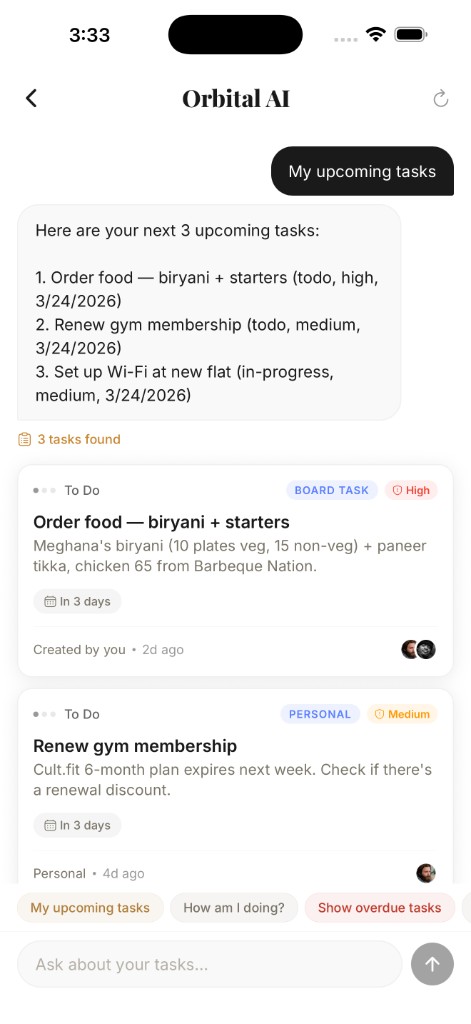
Ask Orbital AI anything about your tasks and boards. Get instant summaries, find overdue items, or discover what your team is working on — all through a simple chat interface that links you straight to the tasks that matter. And now it's agentic — it can create, update, and manage tasks for you.
Orbital AI is now Agentic
It doesn't just answer questions anymore. Orbital AI takes action — creating tasks, updating boards, and managing your workflow through natural conversation.
Talk to it like a teammate. It gets things done.
Creates Tasks for You
Describe what you need done and Orbital AI creates fully structured tasks — with priorities, deadlines, and the right assignees — across your boards.
Updates in Real Time
Ask it to mark tasks done, change priorities, reassign work, or move items between boards. It acts on your instructions instantly.
Finds What Matters
Ask about overdue items, blockers, or what your team shipped this week. Get answers with direct links to the tasks — no manual searching.
Understands Context
It knows your boards, your teammates, and your workflow. Ask follow-up questions naturally — Orbital AI remembers the conversation.
Discuss tasks without leaving the app
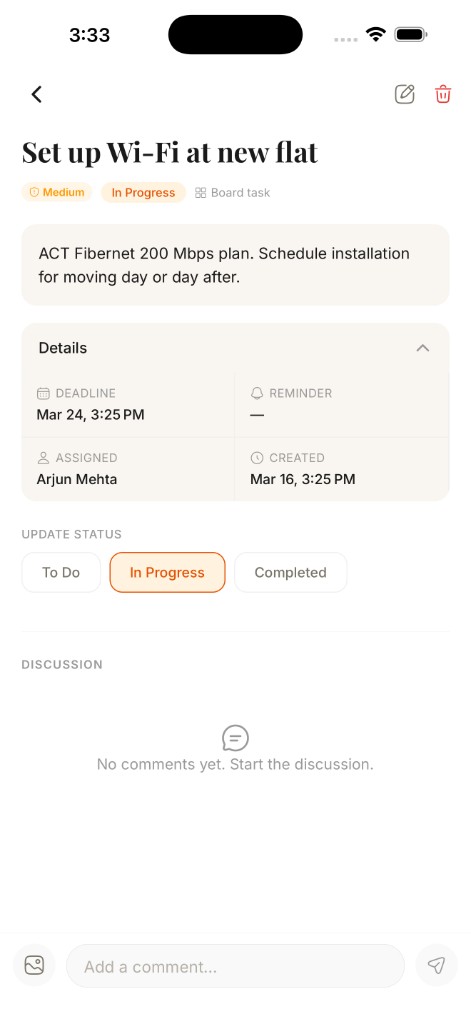
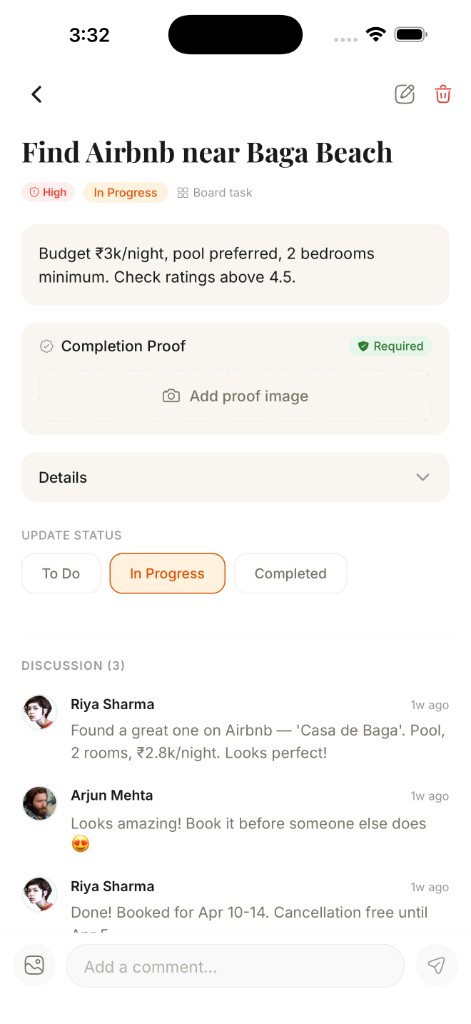
Add threaded comments to any task, @mention teammates to loop them in, and attach images for context. Read tracking lets you know exactly where you left off in every conversation.
Never miss a beat
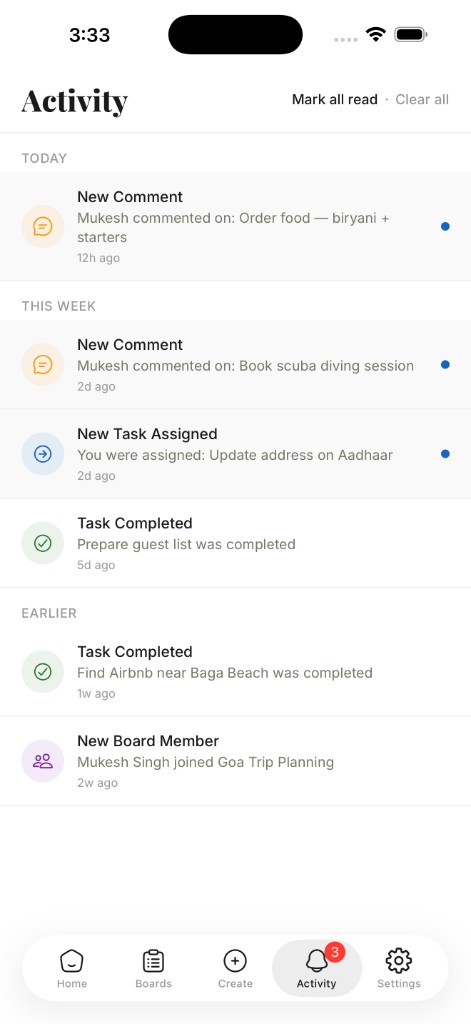
Push notifications keep you informed when tasks are assigned, statuses change, deadlines approach, or someone mentions you. Your activity feed is a single timeline of everything happening across every board.
Easy on the eyes, day and night
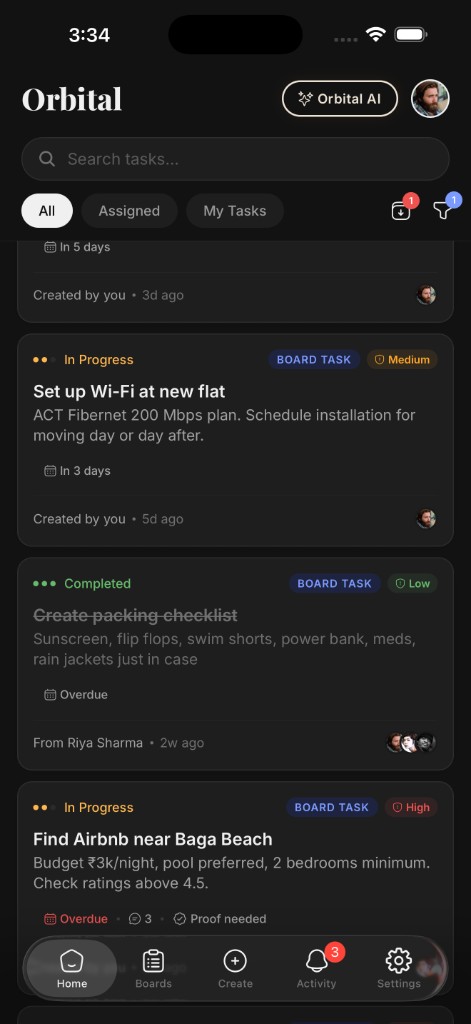
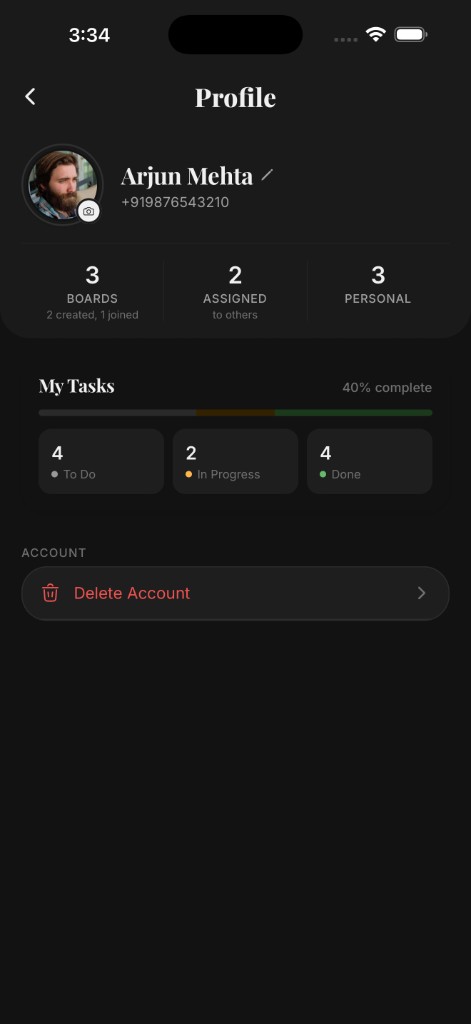
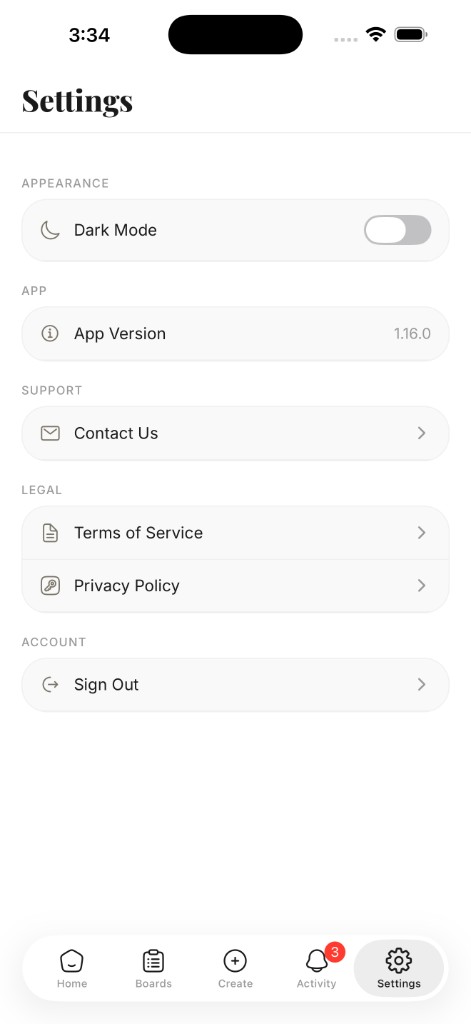
Switch to dark mode with a single tap in Settings. Every screen — tasks, boards, AI, and profiles — adapts seamlessly so you can stay productive in any lighting without straining your eyes.
How It Works
Simple by design
Three steps to a more organized workflow. No complexity, no learning curve.
Create & Organize
Add tasks with priorities, deadlines, severity levels, and images. Require proof-of-completion, archive what you're done with, and use advanced filters to find anything instantly.
Collaborate with Your Team
Create boards, invite teammates with a code, and set granular permissions for each member. Discuss tasks with threaded comments, @mentions, and image attachments.
Stay Smart, Stay Informed
Ask Orbital AI about your tasks and boards for instant answers. Push notifications and your activity feed keep you in the loop on assignments, mentions, and deadlines.
App Preview
A closer look
Ready to get organized?
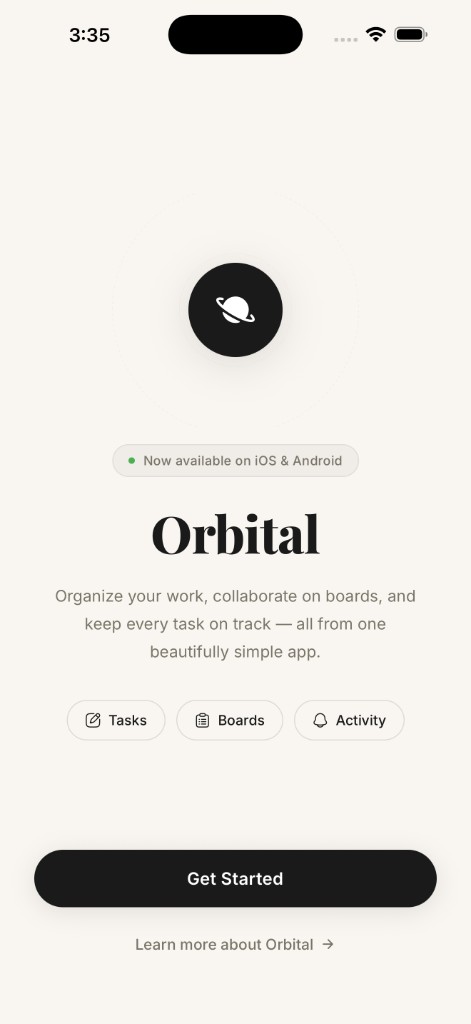
Download Orbital and start managing tasks, collaborating on boards, and chatting with AI — all with your team. Free to get started.